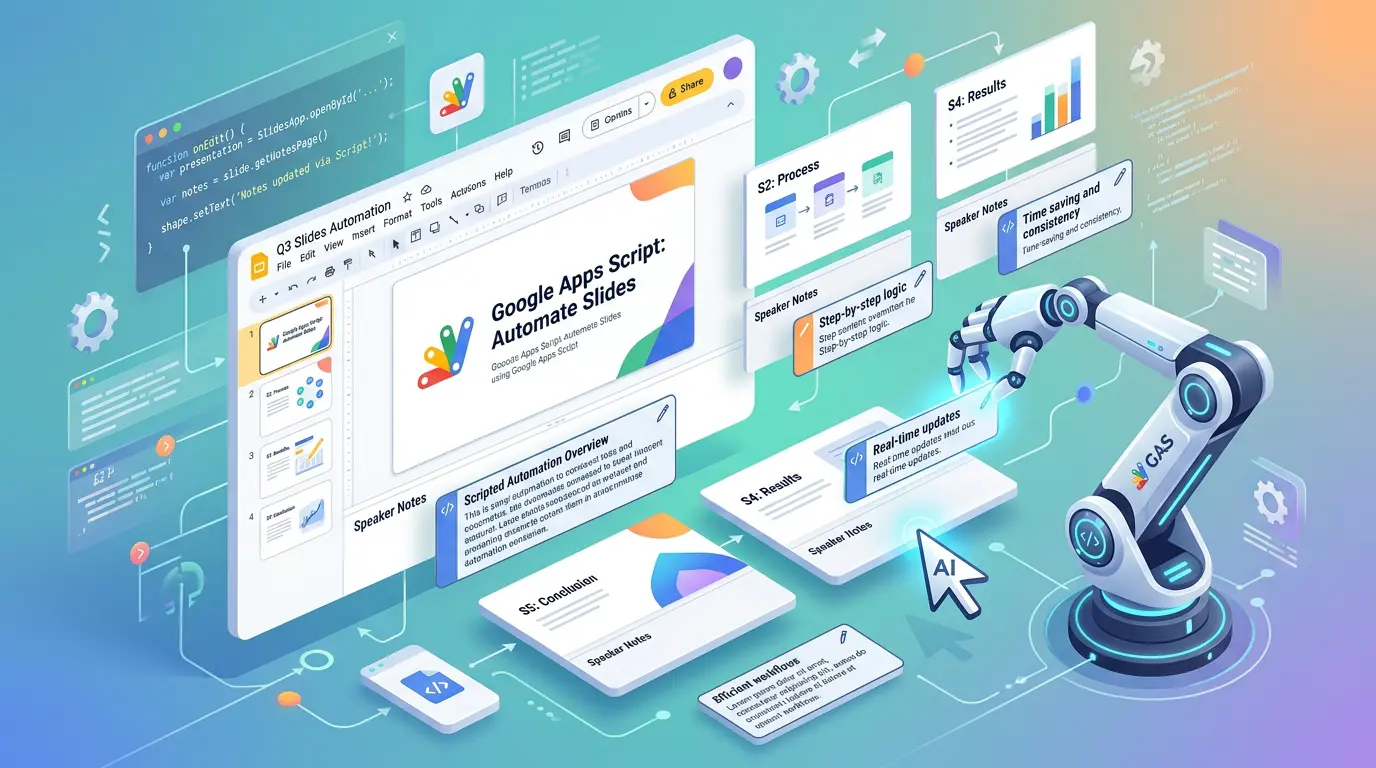
プレゼンテーションスライドから原稿を作ることは AI チャットなどでできますが、それを手動でスライドのスピーカーノートとしてコピーしていくのは面倒です。そこで Google Apps Script を使用して Google スライドで原稿を一括挿入します。
任意のスライドに対して実行したいので、スライドからではなく App Script から新しいプロジェクトを作成します。そして以下のようにスクリプトを書いて、適当な html も用意してウェブアプリケーションとしてデプロイします。
function doGet() {
	return HtmlService.createTemplateFromFile('index')
		.evaluate()
		.setTitle('Slides Note Manager')
		.setXFrameOptionsMode(HtmlService.XFrameOptionsMode.ALLOWALL);
}

function updateSpeakerNotes(presentationId, notesText) {
	const noteList = notesText.trim().split('\n');
	const presentation = SlidesApp.openById(presentationId.trim());
	const slides = presentation.getSlides();
	for (let i = 0; i < slides.length; i++) {
		if (i >= noteList.length) break;
		const notesPage = slides[i].getNotesPage();
		let notesBody = null;
		const shapes = notesPage.getShapes();
		for (let j = 0; j < shapes.length; j++) {
			if (shapes[j].getPlaceholderType() === SlidesApp.PlaceholderType.BODY) {
				notesBody = shapes[j].getText();
				break;
			}
		}
		if (!notesBody) {
			notesBody = notesPage
				.insertShape(SlidesApp.ShapeType.RECTANGLE, 36, 540, 648, 144)
				.setTransparentBackground()
				.setTransparentBorder()
				.getText();
		}
		notesBody.setText(noteList[i]);
	}
	return `完了: ${Math.min(slides.length, noteList.length)}枚に反映しました。`;
}
index.html 側のサブミットスクリプトはこんな感じです。
function submit() {
	const id = document.getElementById('pId').value;
	const notes = document.getElementById('notes').value;
	const btn = document.getElementById('mainBtn');

	if (!id) {
		showToast('スライドを指定してください');
		return;
	}
	if (!notes.trim()) {
		showToast('ノートを入力してください');
		return;
	}

	btn.disabled = true;
	showToast('スピーカーノートを反映中...');

	google.script.run
		.withSuccessHandler((msg) => {
			showToast(msg);
			btn.disabled = false;
		})
		.withFailureHandler((err) => {
			showToast('エラー: ' + err.message);
			btn.disabled = false;
		})
		.updateSpeakerNotes(id, notes);
}
実行する際は権限を要求されるので許可してあげます。